Revit LT vs Revit: choose by the work your model needs
LT can handle a single-author architectural model and drawing set. Check worksharing, custom families, add-ins and exact file operations before choosing.

Andrew Mercer is the Revit BIM documentation editor at Revit Club. He writes about families and parameters and the schedules, views and sheets that depend on them.
LT can handle a single-author architectural model and drawing set. Check worksharing, custom families, add-ins and exact file operations before choosing.
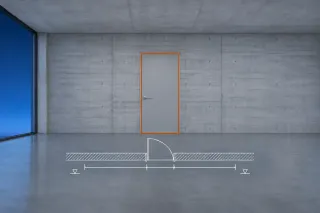
Replace one curtain panel with a compatible door, size its cell with grids and remove the bottom mullion. Check the same door in its plan tag and schedule.
Override Graphics in View grays one instance in one view only. For a family that should sit pale on every plan, a rule-based filter carried by a view template reaches further. Category, linked model, Brightness and print settings follow, with the Revit LT limits at each step.
View tab, Windows panel, User Interface, Project Browser turns the browser back on in Revit. When it is ticked and still hidden, follow Autodesk's fix order, then dock it, find the sheet a view sits on, and group views and sheets with a browser organization scheme of your own.
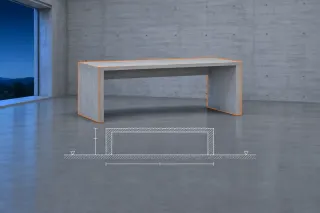
Insert tab, Load from Library panel, Load Family brings an RFA into one project and lists it under Families in the Project Browser. Then place it, with a desk as the example, reload it after the file changes, and see why a family saved in a newer release stays out of reach.
Build a small metric furniture block from reference planes, give it two width types, then check the RFA in a test project. Template recovery and reporting limits are covered where they matter.
System families define built-in elements, loadable families travel as RFA files, and in-place families stay tied to a project. Follow one door to see how far each edit reaches.
Revit costs $380 monthly or $3,005 annually in the US. Compare LT limits, Flex break-even points, bundles and the extra rights needed for cloud worksharing.